Experience
Sorted the way you watch.
Live channels, movies and series are grouped into categories, so finding something takes a few presses, not a few minutes. Sports, news, kids, music and more, each in its own lane.
Live channels, movies and series are grouped into categories, so finding something takes a few presses, not a few minutes. Sports, news, kids, music and more, each in its own lane.
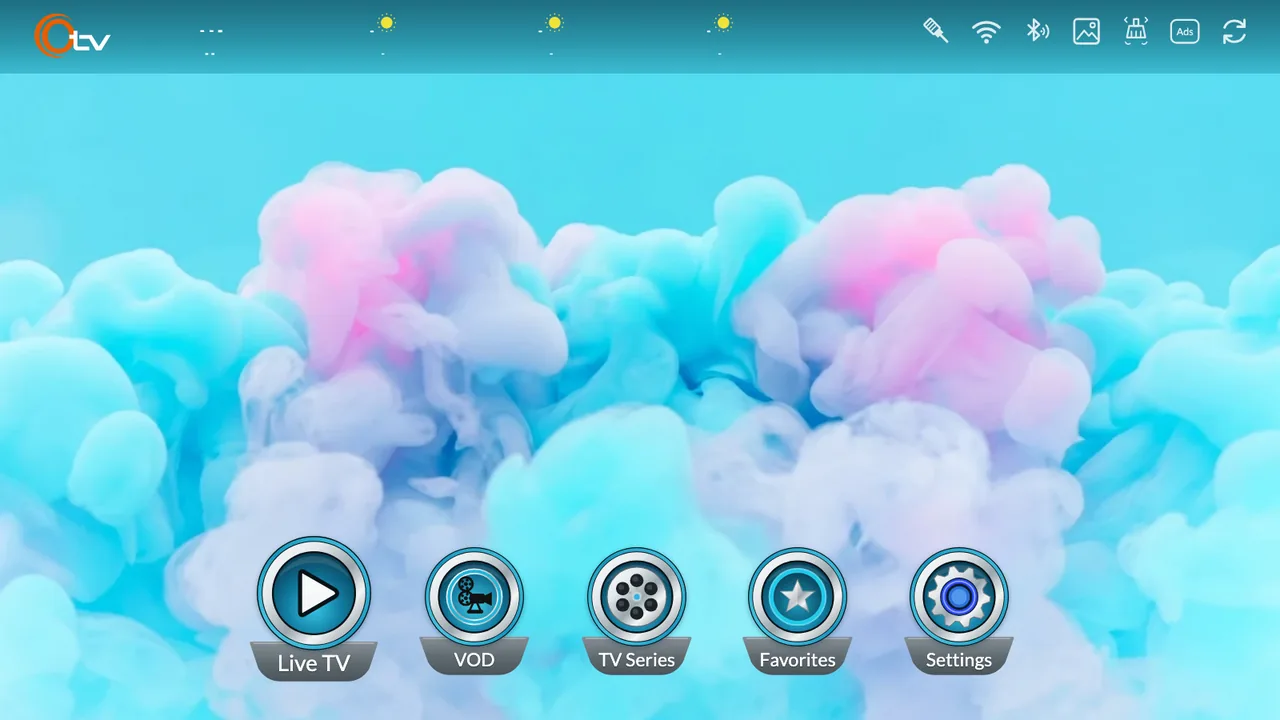
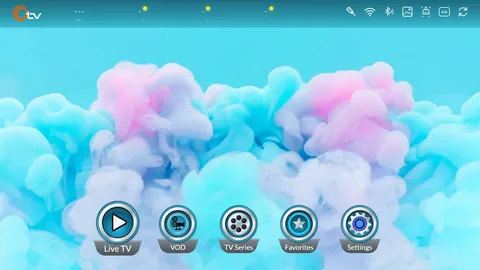
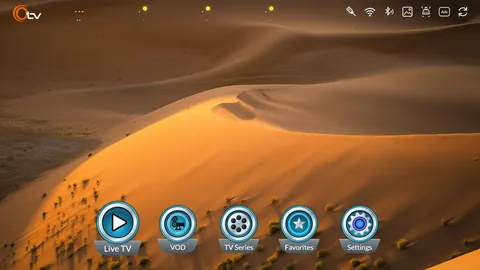
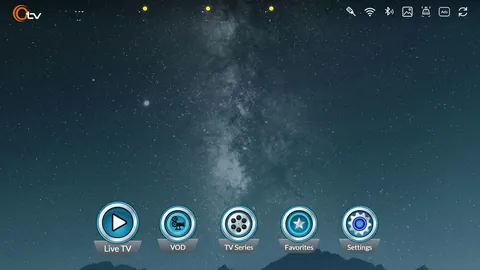
One home. Everything starts from the same screen. Live TV, VOD, TV Series, Favorites and Settings sit in one row, so anyone in the house can find their way around.
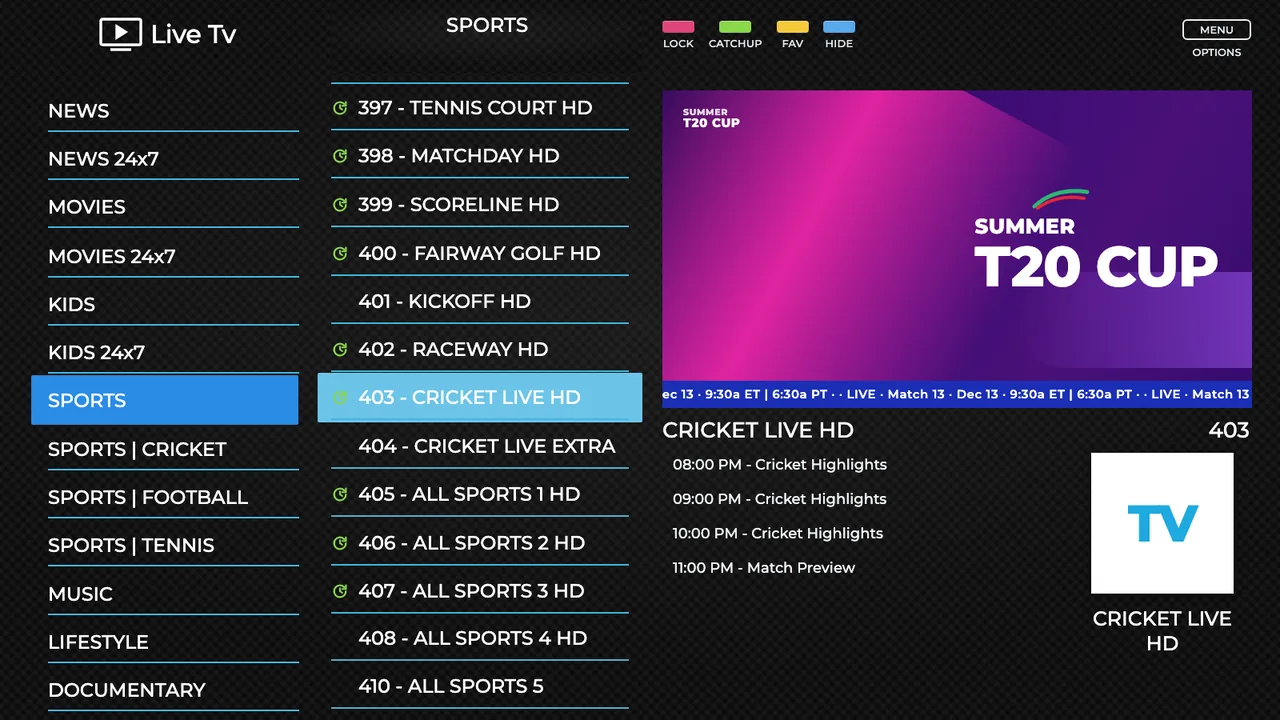
Live TV. Channels are sorted by category, with a guide beside them showing what is on now and what is next.
Catch-up. Missed the start? Channels marked for catch-up let you go back to what has already aired.
The pictures show the Live application. The content shown is for illustration purposes only. We do not provide any TV channels, subscriptions or any other audio-video content.1
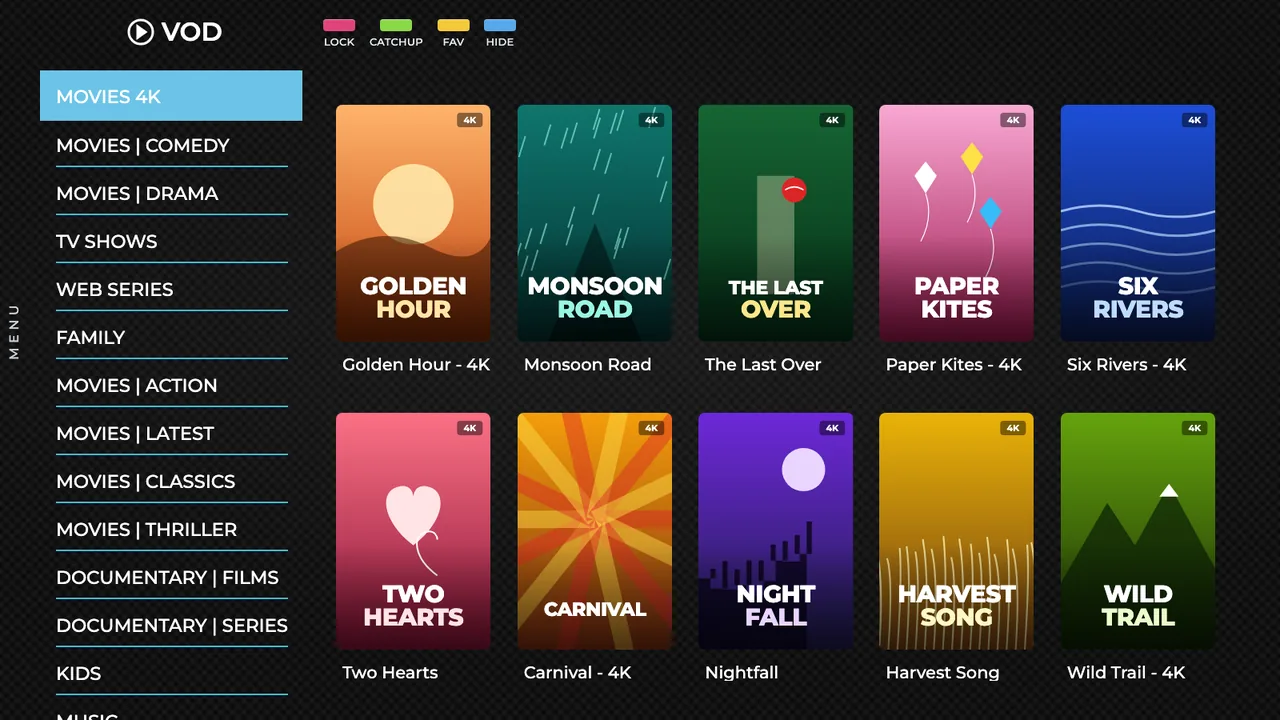
Movies and series. VOD and TV Series each have their own place, sorted into categories you can move through in seconds, with 4K titles marked.
The content shown is for illustration purposes only.1
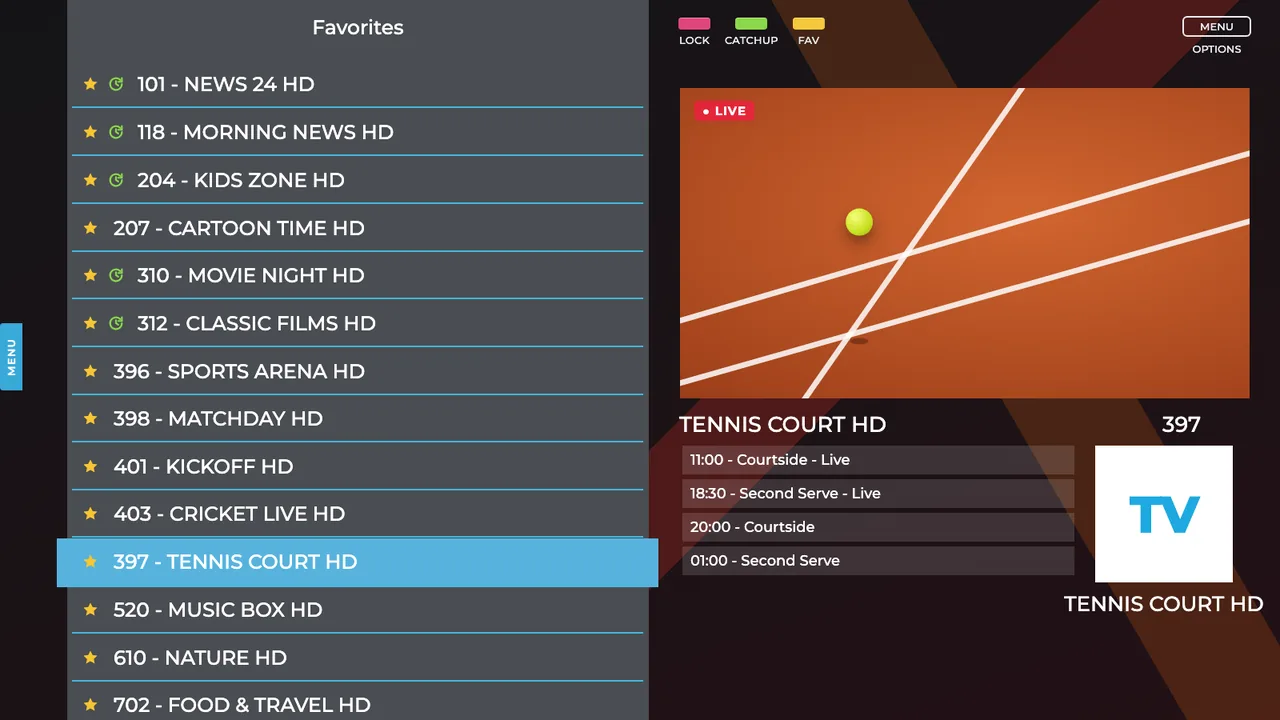
Favorites. Press the yellow key on any channel to keep it. Your list is then one press away, on the FAV key, whatever you are watching.
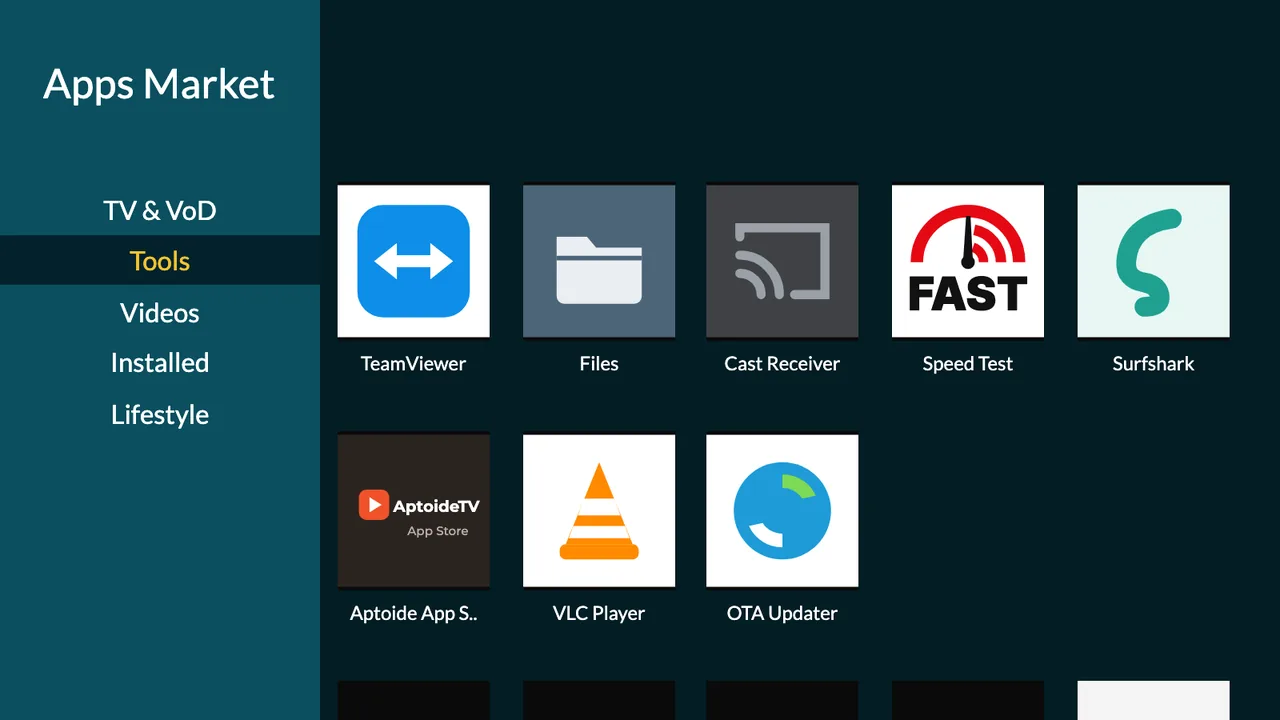
Apps Market. The place on your OTV to find Android apps made for the big screen, sorted into shelves like Tools, Videos and Lifestyle. Pick one, press OK, and it installs.
Google Play. Android 14 with Google Play built in, for everything else.
The picture shows the Apps Market. The content shown is for illustration purposes only. These applications are available on the Google Play Store and the world wide web for free.3
Lock what you want kept private, choose what opens first, change the view, and keep it all running fast.
AppLock Keep it private. Put a password on the apps you choose.
AutoStart Open where you want. Choose the app that starts when the box turns on.
Backgrounds Change the view. Pick a picture and it fills the whole home screen, top bar included. Sand dunes, a night sky, and more.
Built-in cleaner One press, more room. Clears out leftover files to keep everything running fast.
 Live Sports
 Movies
 Series
 News
News Kids
Kids Music
Music Cricket
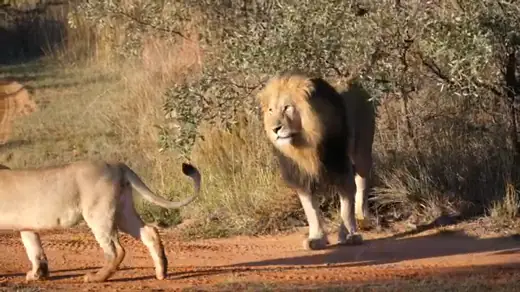 Documentaries
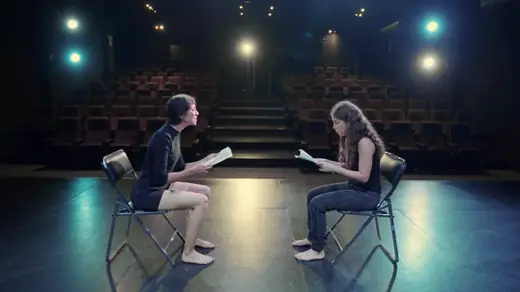 Drama
Drama Comedy
 Web Series
 Family
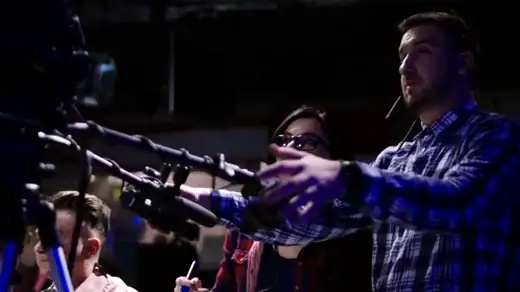 TV Shows
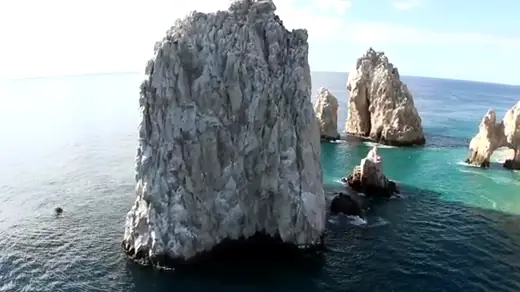 4K
4K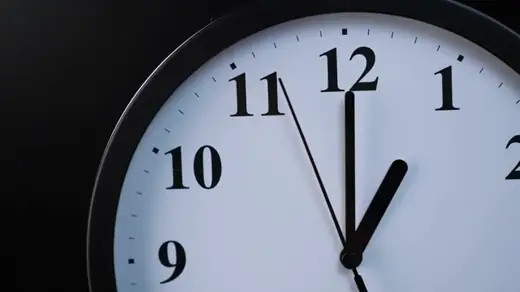 Catch-up
 Favorites
 Tennis
 Football
 Lifestyle
 Thriller
 Nature